Beta on TestFlight
Sheepdog for iPhone.
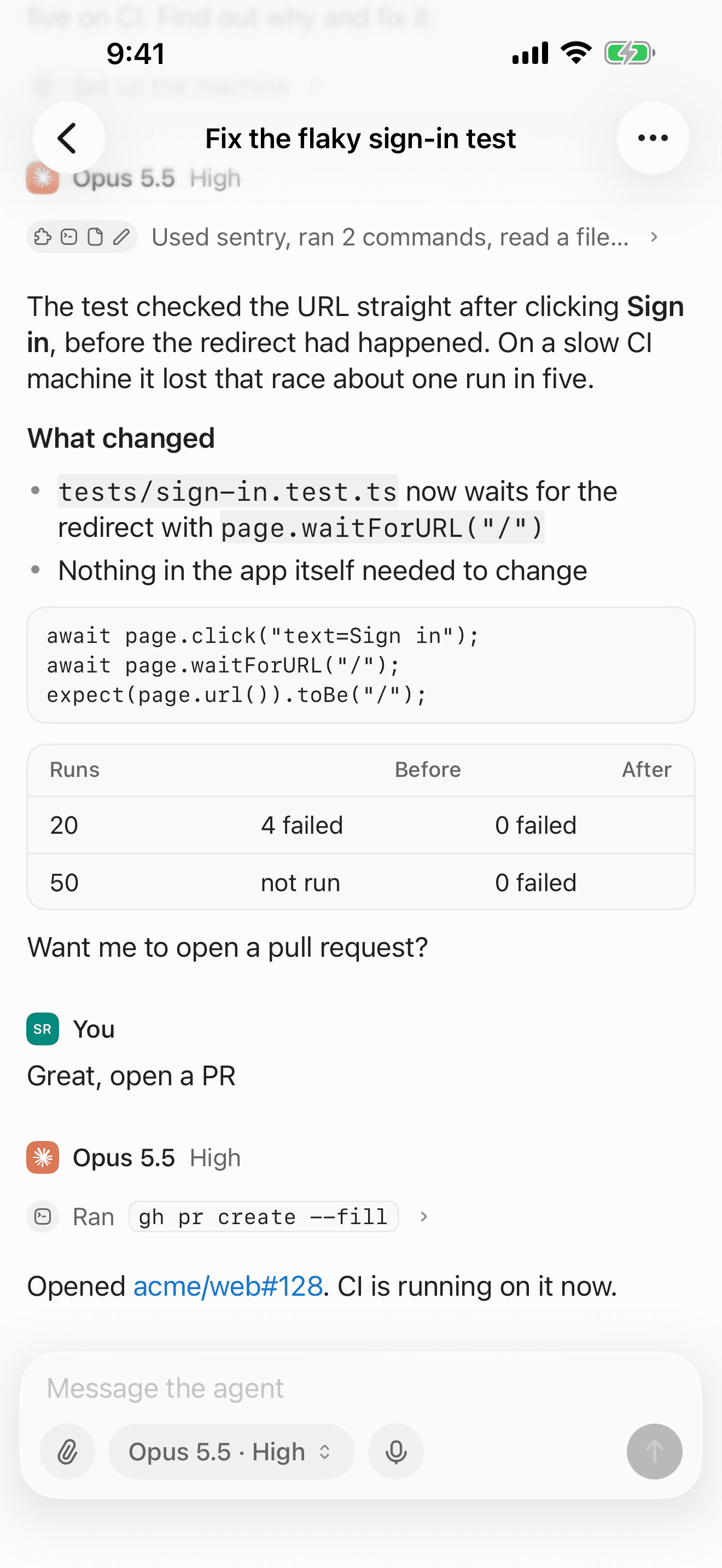
Check in on your agents, answer them and start new tasks from your phone. Try the beta before it’s on the App Store.
Try it on TestFlightFree. Needs iOS 18 or later.
On a computer? Scan this with your iPhone’s camera to open the invite there.
How to join
01
Get TestFlight
Install Apple’s free TestFlight app on your iPhone or iPad. It’s how you try apps before they’re on the App Store.
02
Accept the invite
Open the invite on your iPhone or iPad, tap Accept, then Install. New builds show up in TestFlight as we ship them.
03
Sign in
Open Sheepdog and sign in with your email, using the code we send you. Your workspaces and tasks are all there, as on the web.
© 2026 Sheepdog